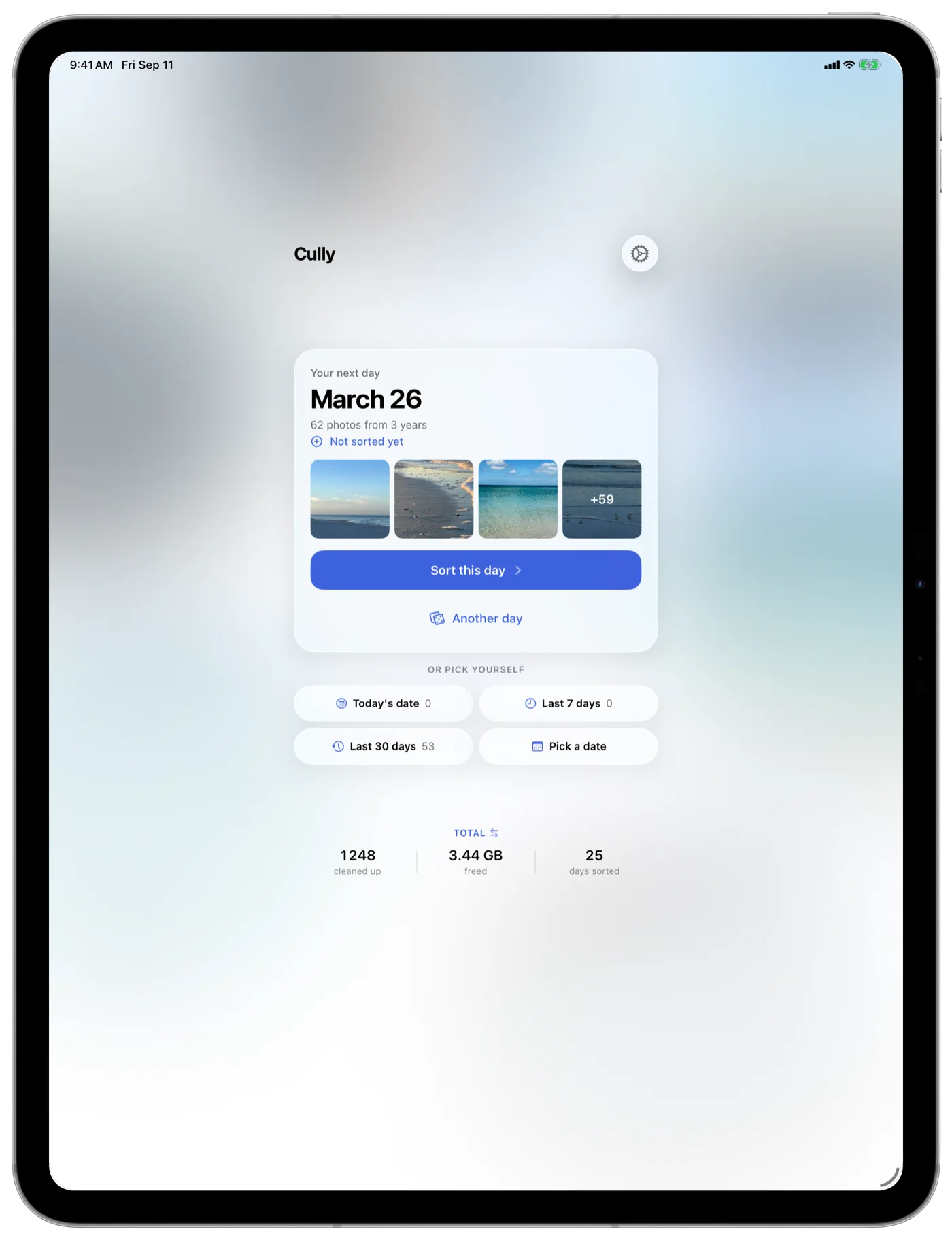
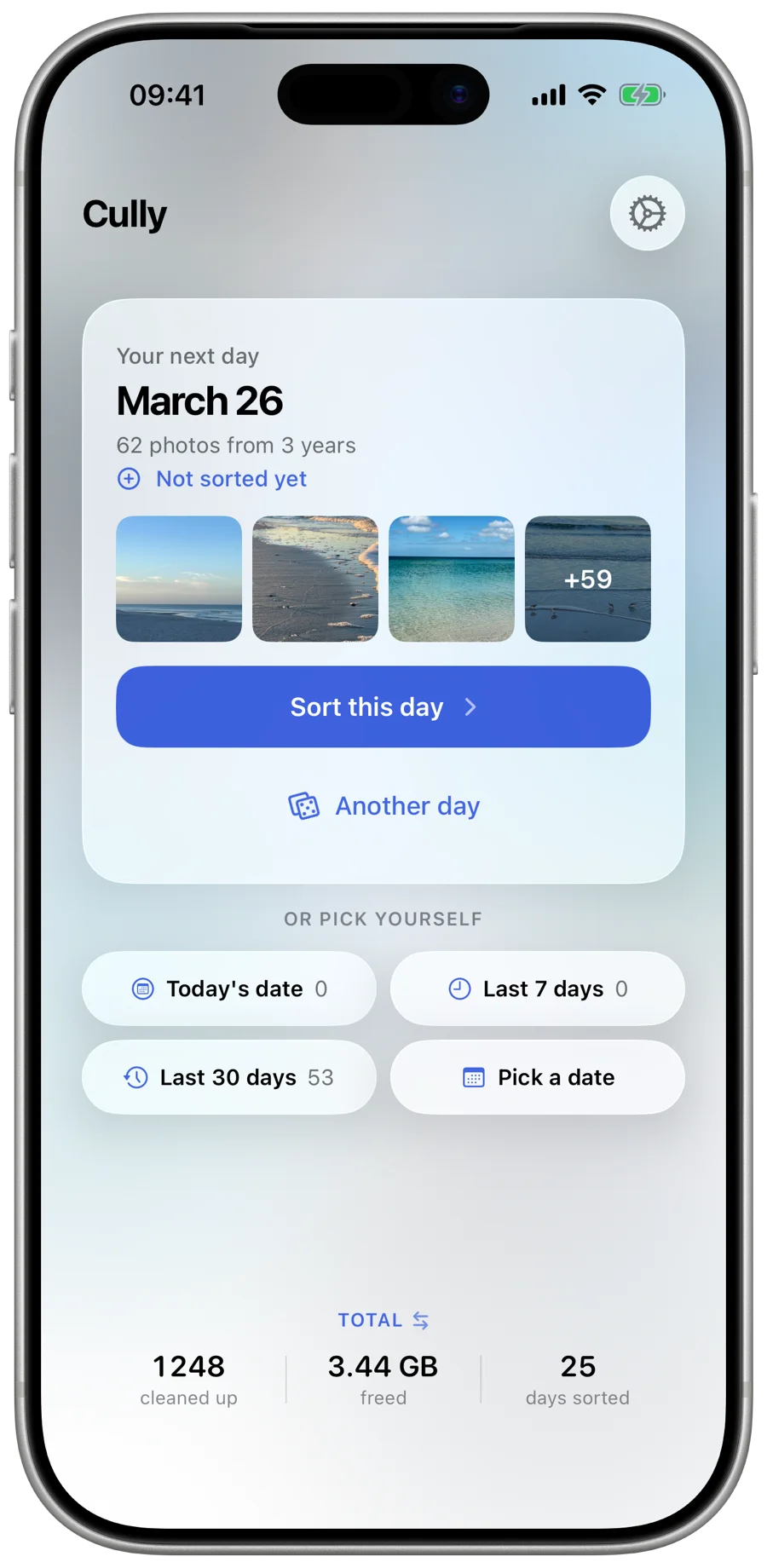
Pick a random date, browse your photos from that day across all years, keep the best, delete the rest. No AI, no cloud, just you deciding what stays.
Not one year. Every year on that date. A different slice of your life, every session.
20,000+ photos and no idea where to start?
Duplicates, blurry shots, screenshots from 2019?
Storage full but you can't bring yourself to delete anything?
Cully was built to solve a common problem. Not just the overflowing library, but the feeling that cleaning it up was a project you'd never have time for. Cully breaks it down into something you can actually do: open the app, get a random day from somewhere in your photo history, spend five minutes reviewing it. That's it. Come back tomorrow.
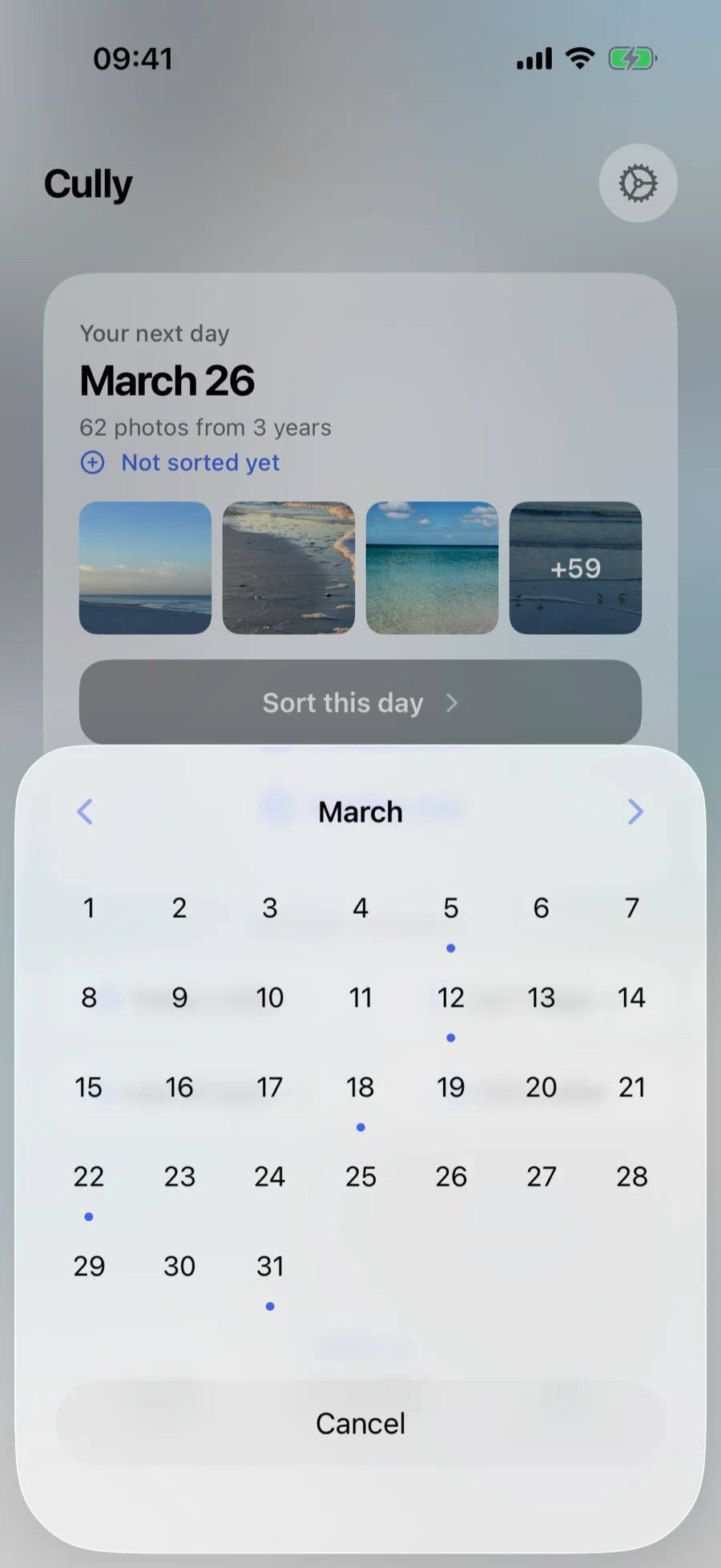
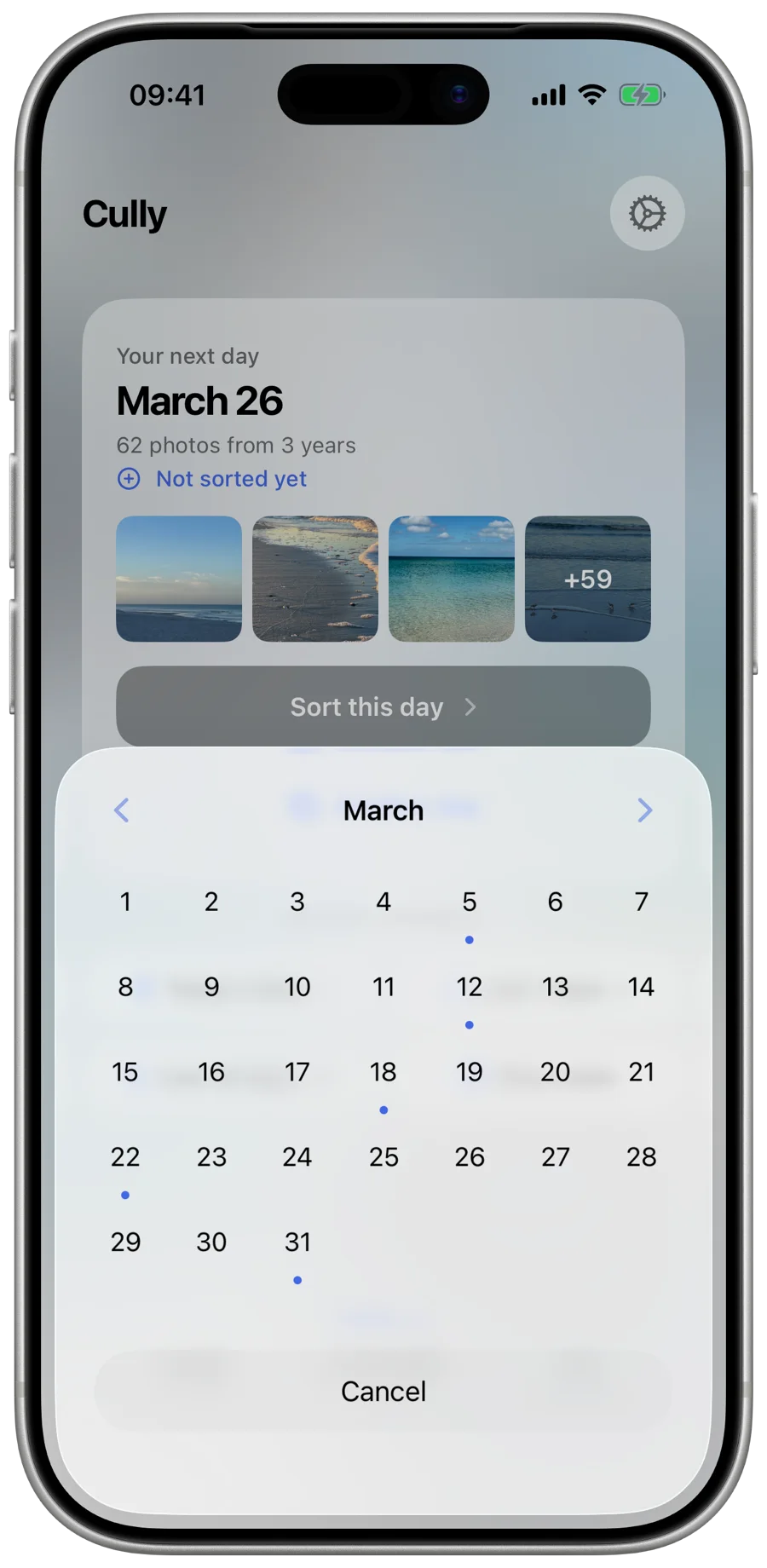
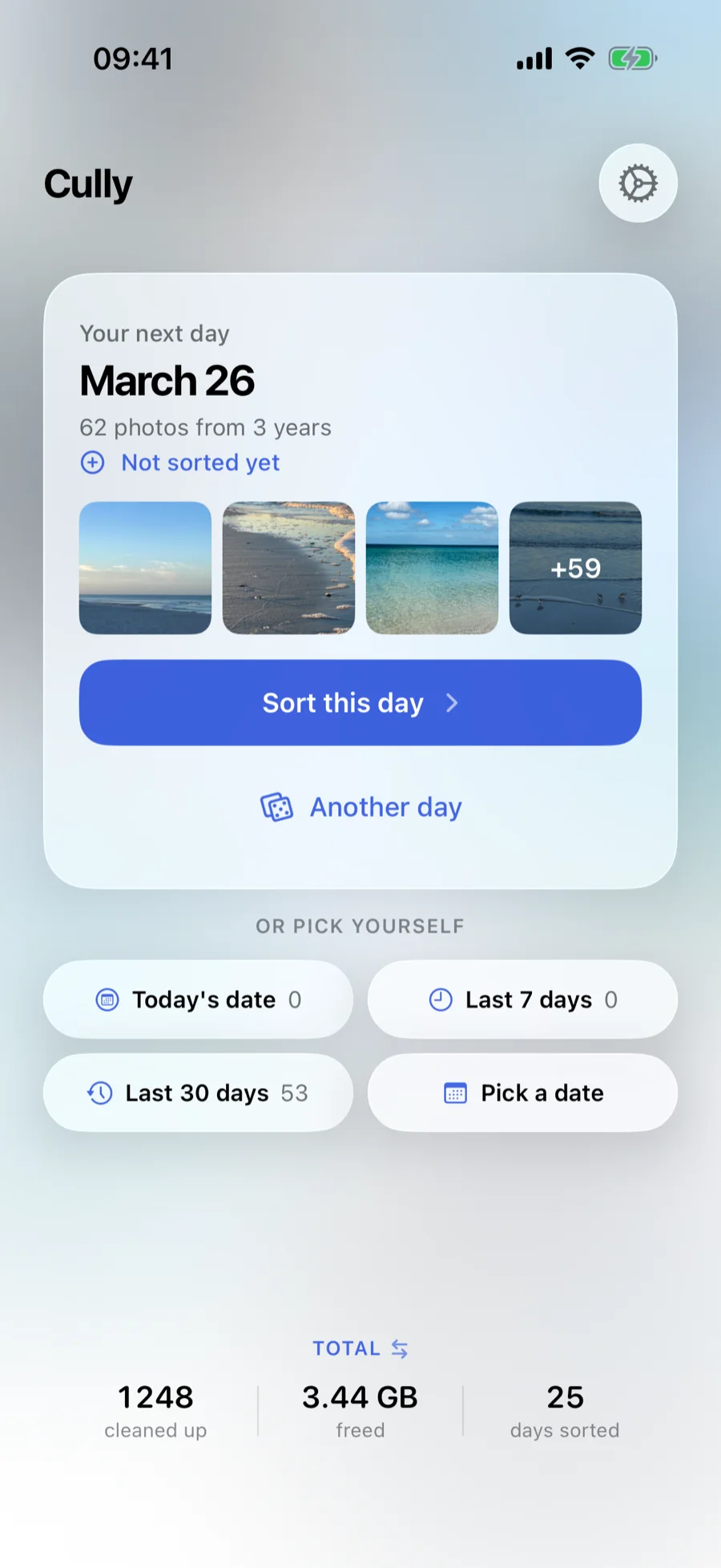
Cully suggests a day. You instantly see every photo from that day, across all your years at once. Not in the mood? Roll again or pick a date from the calendar.
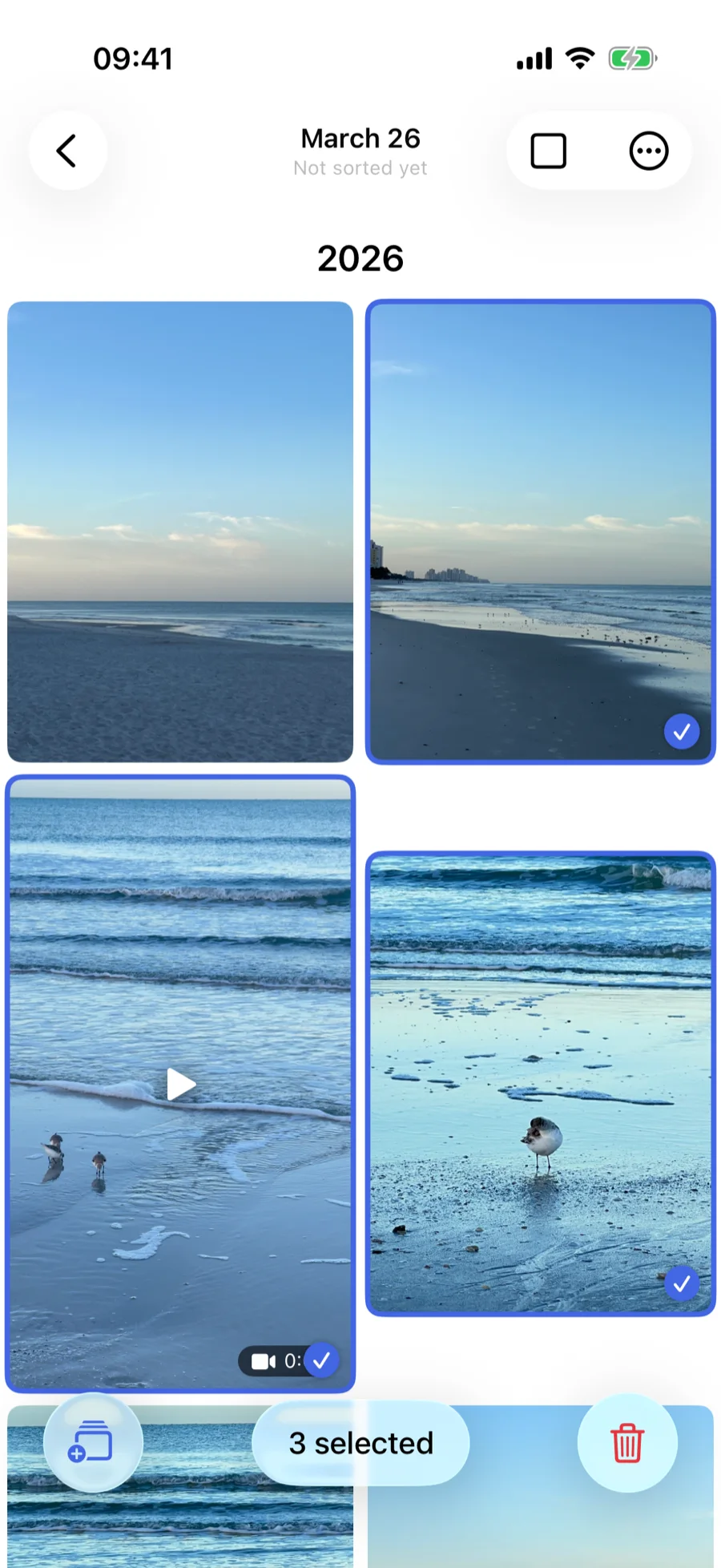
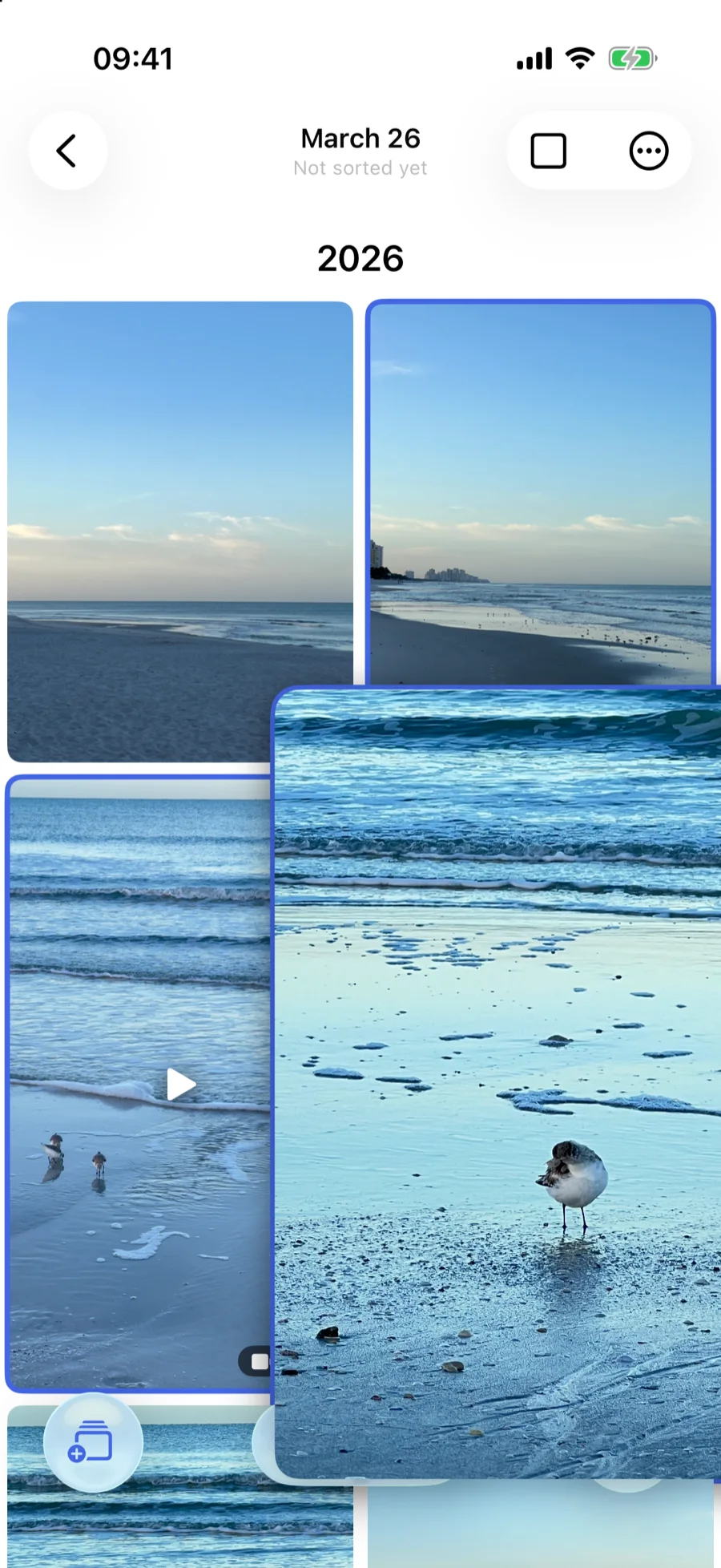
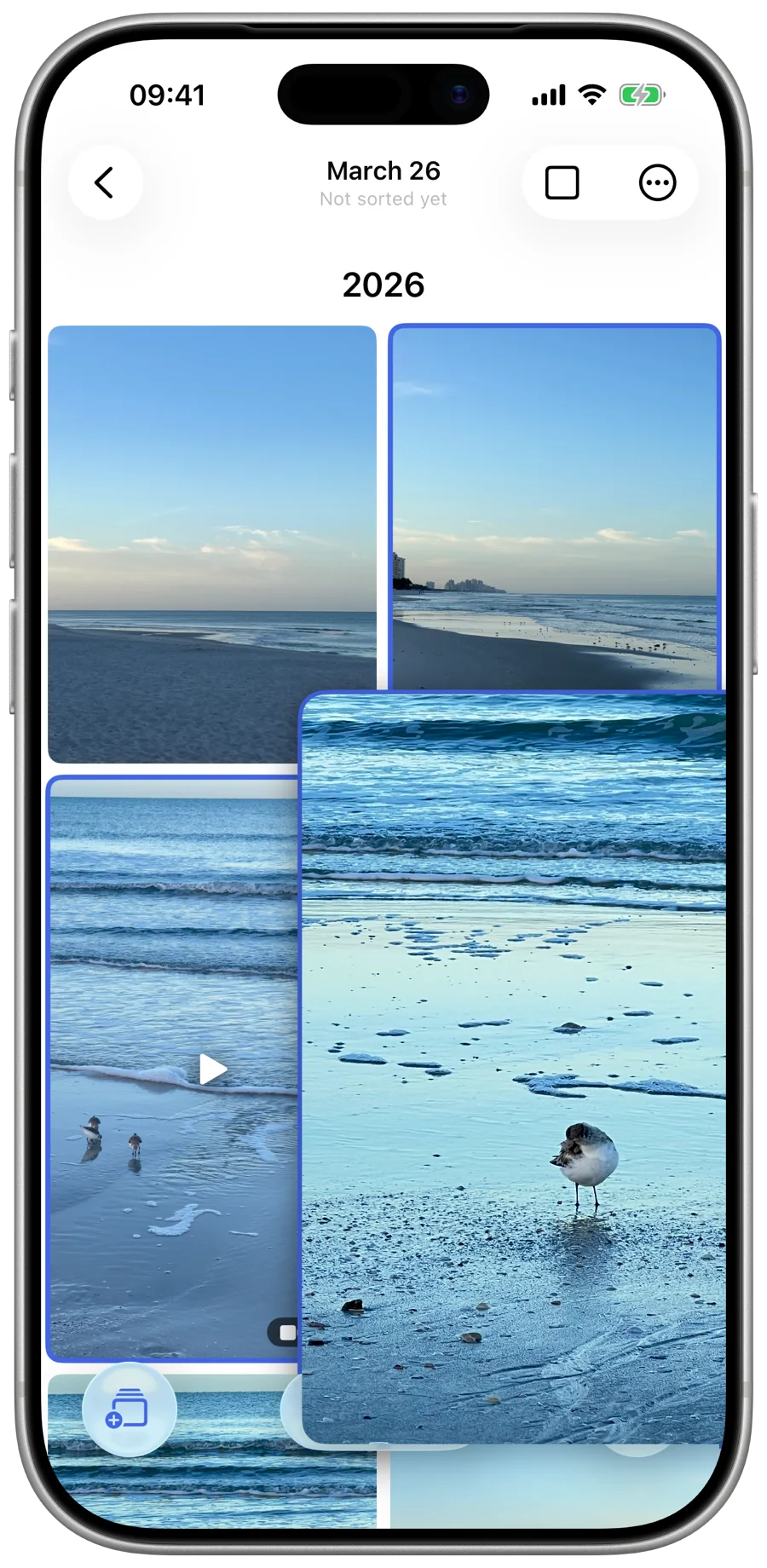
Scroll through your photos and videos in a clean grid. Tap to mark what you want to delete, pinch to zoom in for a closer look. Play videos right in the grid.
iOS confirms every deletion. Photos move to your Recently Deleted folder where you can recover them for 30 days.
One unlock, every device. Your progress, stats and settings stay in sync via iCloud, so you can sort a day on the Mac and finish it on the iPhone.
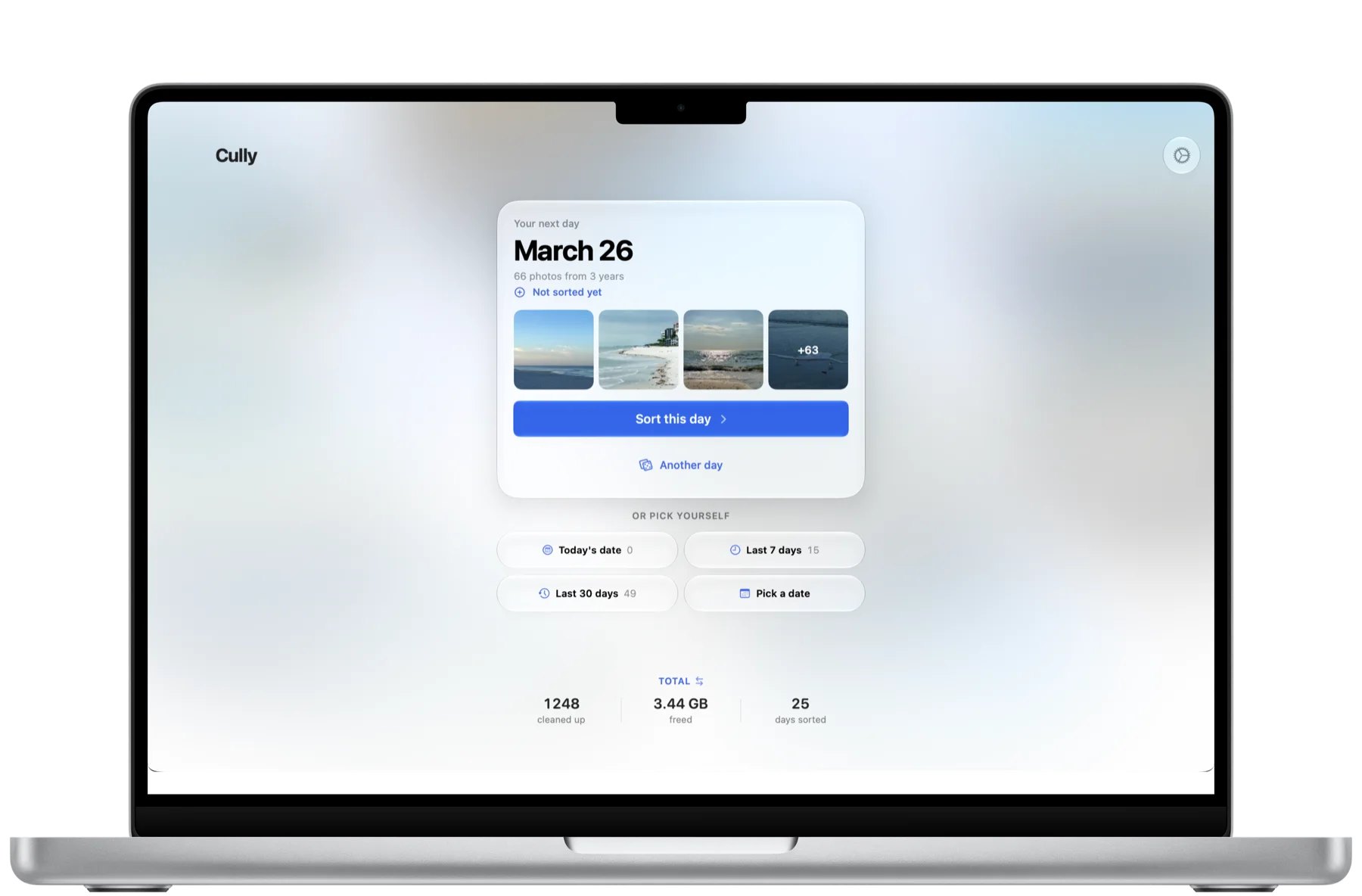
Native on the Mac
A real Mac app with keyboard shortcuts, its own Settings window and a grid that uses the whole screen.
Made for the iPad
Three or four columns, big thumbnails, and every gesture you know from the iPhone.
Unlock once
Try Cully for free. One unlock, Cully Lifetime, covers iPhone, iPad and Mac. No subscription.
Cully suggests a day and shows your progress at a glance.
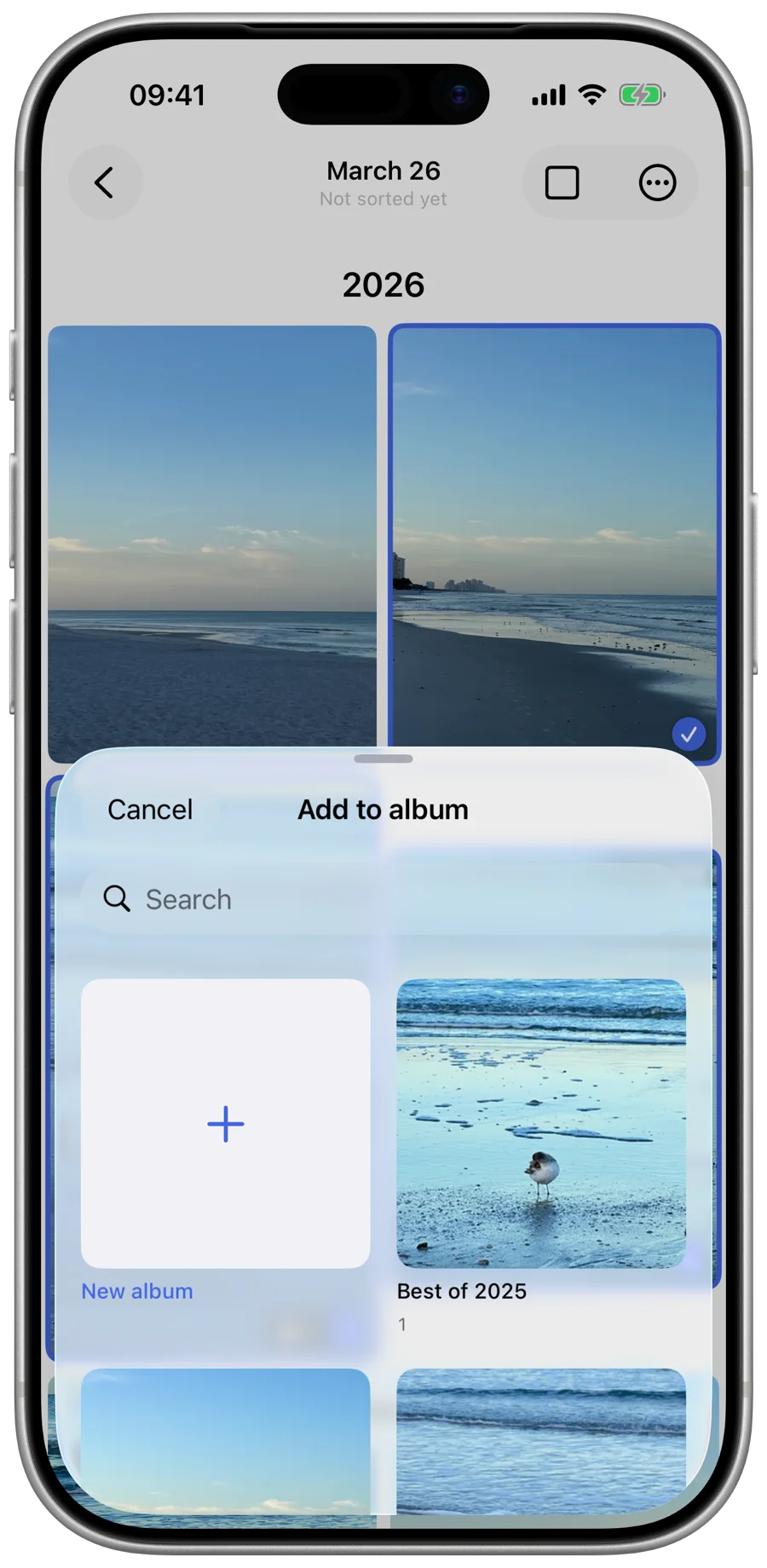
Send a selection straight to an album instead of deleting it.
Sorted days are marked, so you always know where you stand.
Pinch to zoom right in the grid before you decide.
No account, no cloud processing, no tracking. Your photos never leave your device.
See how many photos you've deleted and how much storage you've freed. Lifetime, this week, and today.
Optional push notifications help you build a habit and keep your library tidy at your own pace.
Check your deletion stats at a glance without opening the app.
Your stats and settings carry over to all your devices via iCloud.
Keeping is sorting too. Move a selection into an existing or new album without leaving the grid.
You decide when a day is done. Sorted days count in your stats, show up in the calendar and come back less often.
Native apps for every screen, from iPhone SE to MacBook Pro. One unlock for all of them.
In photography, to cull means to go through your shots and keep only the best. It's the process every photographer knows: reviewing, selecting, and letting go of the rest. That's exactly what Cully helps you do with your entire photo library.
Your photos never leave your device. Here's what Cully does not do:
Free to try on iPhone, iPad and Mac. Your first five sorting days are free, then one unlock. No subscription. Requires iOS 17 or macOS 14 or later.