How to Clean Up 30,000 Photos Without Losing Your Mind
You have tens of thousands of photos on your phone. You know a lot of them are junk. You keep telling yourself you'll clean them up someday. But someday never comes, and the pile keeps growing.
You're not lazy. The problem is that cleaning up 30,000 photos sounds like an absolutely terrible way to spend your time. And it is, if you try to do it the way most people attempt it.
Why Nobody Ever Does This
There are three reasons your photo library stays bloated year after year:
It's overwhelming. Open your Photos app, scroll to the top, and look at the sheer volume. Thousands of thumbnails stretching back years. Your brain immediately goes: nope. There's no way to feel like you're making progress when the pile is that big.
There's no obvious starting point. Do you start from the oldest photos? The newest? Somewhere in the middle? Every option feels wrong. Starting from 2016 means wading through ancient history. Starting from today means the oldest junk keeps piling up. So you don't start at all.
It's emotionally complicated. Photos aren't just files. They're tied to memories, people, and places. Scrolling chronologically means reliving entire chapters of your life. That's exhausting, even when you're just trying to delete blurry screenshots.
The Mistake Everyone Makes
At some point, you decide: this weekend, I'm going to go through all my photos. You set aside a Saturday afternoon. You pour some coffee. You open Photos and start scrolling.
Thirty minutes later, you've deleted maybe 200 photos and you're emotionally drained from stumbling through a family vacation from 2019. You close the app and don't think about it for another six months.
The "big cleanup weekend" doesn't work because it treats a 30,000-item backlog like a task you can power through. You can't. Your brain will burn out long before your thumb does.
The Trick: Pick a Random Date
Here's what works instead. Don't start from the beginning. Don't start from the end. Pick a random date , say October 12th, and look at every photo you took on October 12th across all years.
October 12th, 2018: a few photos from a work lunch. October 12th, 2020: some screenshots and a sunset. October 12th, 2022: your kid's school thing and fifteen nearly identical shots of the same drawing.
That's maybe 20 to 40 photos total. Completely manageable. You can go through all of them in a few minutes.
Why Random Works So Well
Picking a random date solves all three problems at once.
No decision fatigue about where to start. The date is chosen for you. You don't have to think about whether to start from 2015 or 2024. You just look at what's in front of you.
It turns cleanup into time travel. Instead of a boring chore, you're seeing snapshots from different years, all on the same date. It's genuinely interesting. What were you doing on March 3rd across the last five years? You might actually enjoy finding out.
The scope is always small. No matter how big your library is, one date is just a handful of photos. You never feel overwhelmed because the task is always bite-sized.
The 5-Minute Rule
Here's the habit: one date, five minutes, done. That's it. Don't try to do more. Don't tell yourself you'll "just do a few more days." Stop after one date.
This works because it's so small it's hard to say no. You can do it while waiting for coffee, on the bus, or during a commercial break. And because it's just five minutes, you'll actually do it tomorrow, too.
Over the course of a month, you'll have cleaned up 30 dates. That's potentially a thousand or more photos reviewed and hundreds deleted. Over a few months, you'll have made a serious dent in your library , all without ever feeling like you were doing something tedious.
What to Actually Delete
When you're looking at a day's photos, here's what can almost always go:
- Duplicates and near-duplicates. You took eight shots of the same thing. Keep the best one, delete the rest.
- Blurry photos. If it's blurry and it's not your only photo of something important, it goes.
- Screenshots you already used. Addresses, confirmation codes, shopping lists, Wi-Fi passwords from hotels you'll never visit again.
- Photos of text. Whiteboards, menus, schedules. If you needed the information, you've already used it. If you didn't, you never will.
- "Why did I take this?" photos. You know the ones. A random wall. A receipt. A blurry photo of the ground. If you can't remember why you took it, you don't need it.
Be ruthless with the obvious junk, but don't stress over the gray area. If you're not sure, keep it. You'll come back to that date eventually.
A Tool Built for This Exact Workflow
You can do all of this manually. Search for a date in Photos, review what comes up, delete the junk. It works, but it takes a bit of fiddling each time.
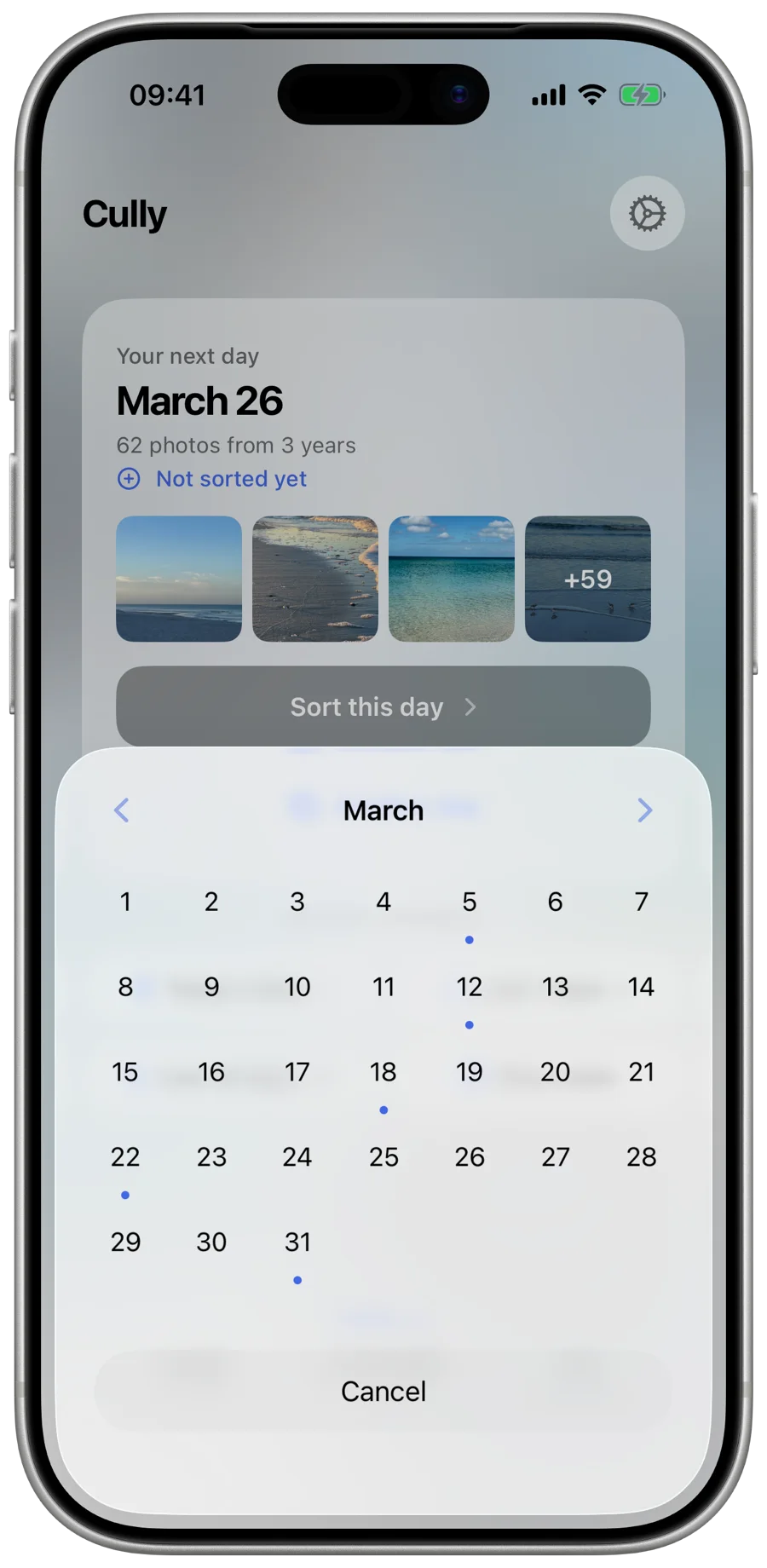
Cully is an app I built specifically around this "one random date" method. Open it up, and it picks a date for you and shows every photo from that date across all years in a grid. Swipe to mark photos for deletion, and you're done in a few minutes.
No AI making decisions for you. No cloud upload. No subscription. Free to try, one-time unlock, runs entirely on your phone, and does exactly one thing well: makes it dead simple to clean up photos one day at a time.
Start With Today
You don't need to plan this. You don't need to set aside time. Just pick a date (today's date is a fine choice) and look at what you took on this day in previous years. Delete the junk. Keep the memories. Close the app.
That's it. Five minutes. Tomorrow, do it again with a different date. A month from now, your photo library will be noticeably lighter, and you'll have actually enjoyed the process.
Thirty thousand photos isn't a problem you solve in a day. It's a problem you solve in five minutes, repeated.
Try Cully
Clean up your photo library. One day at a time. Free to try, one-time unlock, no subscription.
Download on the App Store